Default Response for Unmatched Requests
Beeceptor evaluates every incoming request against your configured Mock Rules and uploaded specification (OpenAPI, GraphQL, gRPC, WSDL, etc). When a request doesn't match either, Beeceptor returns 200 OK as default response.
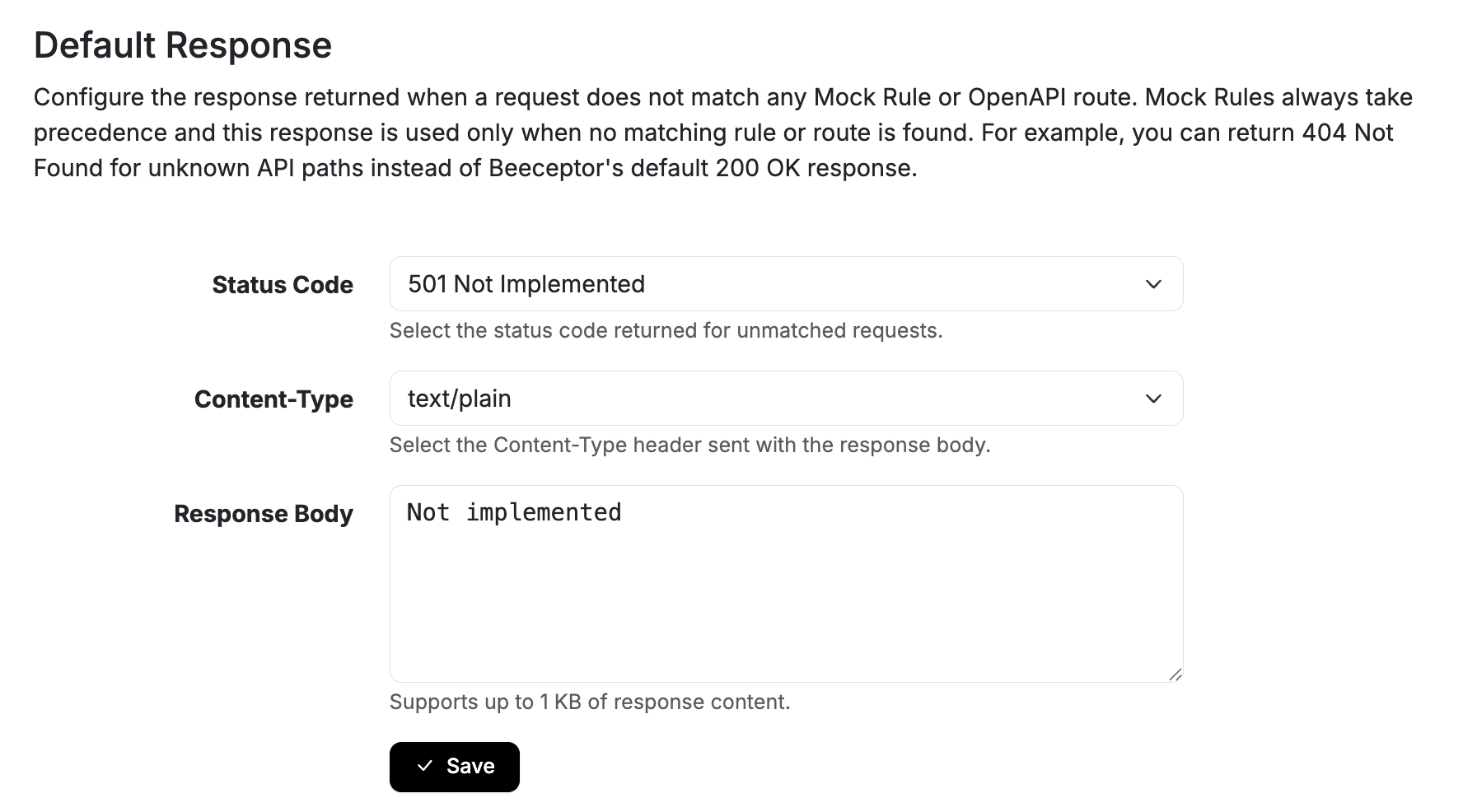
You can override the default 200 OK response and return a custom fallback response. This gives you greater control over how unknown or unsupported API requests are handled during development and testing.
Why Use It?
Many testing scenarios require unmatched requests to fail explicitly rather than succeed with a generic response. The common use cases include:
- Contract testing against an API specification
- Detecting unexpected client-side API calls
- Identifying typos in endpoint paths
- Simulating APIs that are not yet implemented
- Ensuring test suites fail when unknown routes are accessed
For example, with 404 Not Found or 501 Not Implemented you can indicate about integration issues earlier in the development cycle.
Configure the Default Response
To customize the response for unmatched requests:
- Open your endpoint dashboard.
- Navigate to Endpoint Settings.
- Find Default Response
- Configure the desired:
- HTTP Status Code
- Response Headers (optional)
- Response Body (optional)
- Save the configuration.
Request Matching Priority
Beeceptor processes requests in a defined order to ensure existing mocking behavior remains unchanged.
- Mock Rules are evaluated first and always take precedence.
- OpenAPI Routes are evaluated next when a request matches the uploaded API specification.
- Default Unmatched Response is returned only when no Mock Rule or OpenAPI route matches the request.