Managing Test Data in OpenAPI Mock Servers
When you create a mock server from an OpenAPI specification, Beeceptor can generate Intelligent Mocks. This mode uses AI to examine the API schema, field names, and descriptions to produce realistic response payloads automatically.
Instead of returning generic placeholders such as "string" or 0, Intelligent Mocking produces values that resemble real data. For example:
emailfields receive realistic email addressesproduct_namefields receive meaningful product namescreated_atfields receive properly formatted timestamps
This allows your mock server to return responses that resemble real backend systems.
Automated generation works well for many APIs, but some fields require specific formats, ranges, or patterns that are not fully defined in the OpenAPI specification. Beeceptor provides a UI where you can review and control how test data is generated for each schema field. You can replace generators, configure ranges, or assign fixed values without editing the OpenAPI document.
The mock server continues to follow the schema while returning data that matches your requirements.
Common use cases
Some fields require tighter control over how values are generated. Here are some examples:
- Domain realism: Replace generic generators with domain-specific ones such as product names, addresses, pricing values, or contact details so responses resemble real application data.
- Business-state fields: Constrain values like status, role, or tier using controlled options so UI states remain predictable.
- Structured identifiers: Define patterns for invoice IDs, account codes, or internal keys to match real identifier formats.
- Date correctness: Ensure string fields behave as timestamps or dates when temporal values are expected.
- Cross-endpoint consistency: Keep field behavior consistent when the same property appears across multiple endpoints.
How This Works
Customize Test Data
After uploading your OpenAPI specification and enabling Intelligent Mocking, Beeceptor generates responses for each endpoint automatically.
To review or modify how values are generated:
- Navigate to endpoint's Settings page.
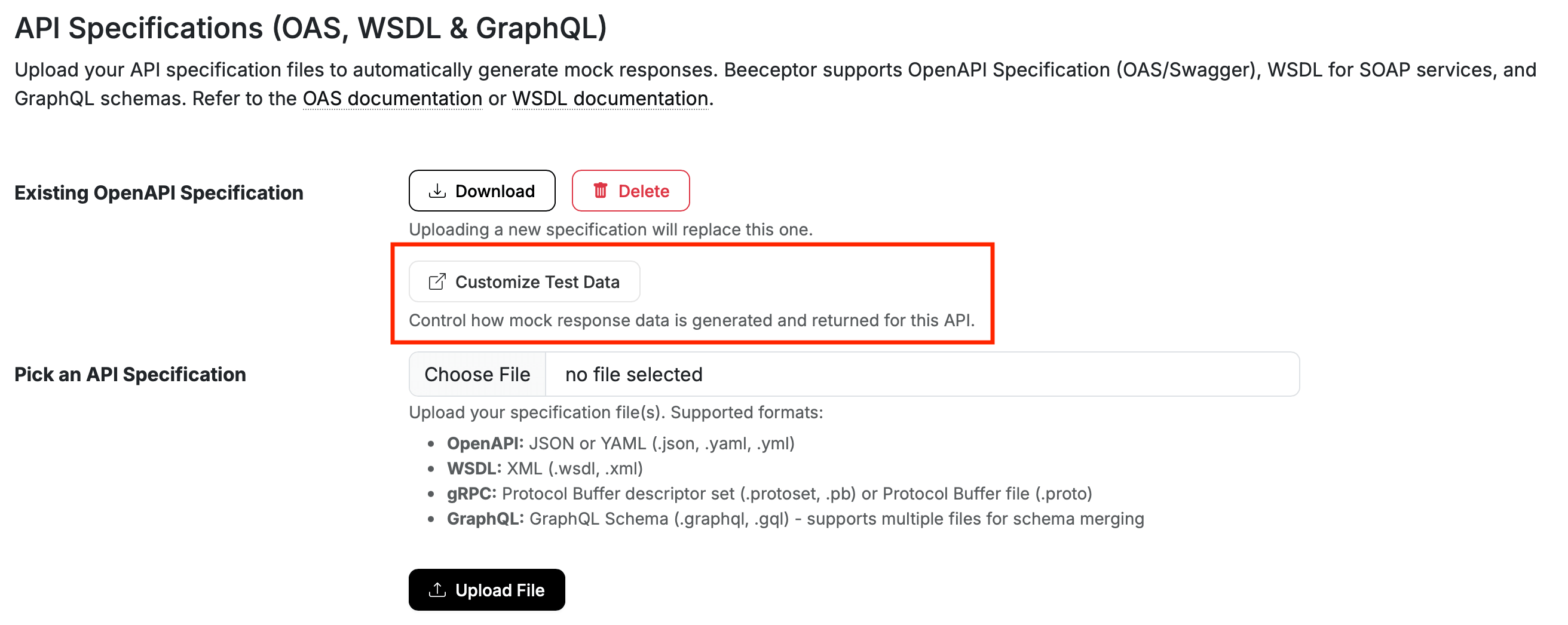
- Under the API Specifications section, locate the Customize Test Data and open it.
Editing Data Generators
On the next screen, you see a table with all the schema fields. Each field is configurable, making it easy to review how data is generated for API responses.
- Each row represents a single property from the OpenAPI schema.
- The Property column shows the technical field name along with its schema or entity context. This helps you identify where the property belongs within specification.
- The column Used in APIs lists the endpoints or operations where this field appears. This is useful when the same property is reused across multiple APIs.
For large specifications, the interface includes search and filtering tools. You can quickly locate a field by property name or narrow results by API path. Pagination helps navigate large schemas without overwhelming the view.
To modify a field, click the Edit icon. A configuration modal opens where you can pick a data generator.
Applying Changes
Beeceptor allows you to edit multiple fields and review the staged updates together. Until the changes are committed, staged updates remain in draft and can be removed individually or cleared entirely.
When ready, select Review and Commit to apply the changes. It shall take a few seconds typically less than a minute before these change go live. You will be notified on the dashboard page, when the updates is completed and caches are purged on the mock server.